Free tool · Handover
Shif t Handover
Most problems are not lost on the shift, they are lost between shifts. Write the handover in five minutes, give every open issue an owner, and let the unresolved ones carry over by themselves.
The handover
Ready t o hand over
What it holds
Issues
This is what the next shift reads. It updates as you type.
Take over
The person taking over confirms they have read it and asked their questions.
Give the sender this confirmation code, by voice or in your own message. Typed on their device, it marks their handover as acknowledged. It is a manual confirmation, not a proof of who you are.
History
Earlier handovers
The last 30 closed shifts on this device. Open one to read or copy it.
From the essays
Read the st ory behind this t ool
- Operations · 6 minThe small list beside the system: the
t ools you build yourselfA tool an employee builds also shows a gap in how the organisation distributes information. Being useful does not make it part of the system.→ - Operations · 6 minThe night the system went downMy first night of training at another hotel: an update left the system unavailable for about five hours, and showed how much of the work depends on it.→
- Operations · 6 minThe repo
r t a machine wroteA report generated quickly and written well is no guarantee that the information is complete. Responsibility for its content has to stay with a person.→ - People · 4 minThe angry guest at 2 a.m.A complaint is not closed just because the guest walks away from the front desk.→
From the field notes
- “A small tool can solve a big problem. But to become part of the work, it has to be more than the project of the person who built it.”
- “A useful tool becomes a team tool only when it is accurate, up to date, authorised for the use it is given, and safe for the information it handles.”
- “When an employee builds a tool to make the work easier, they may be showing a gap in the way the organisation distributes information.”
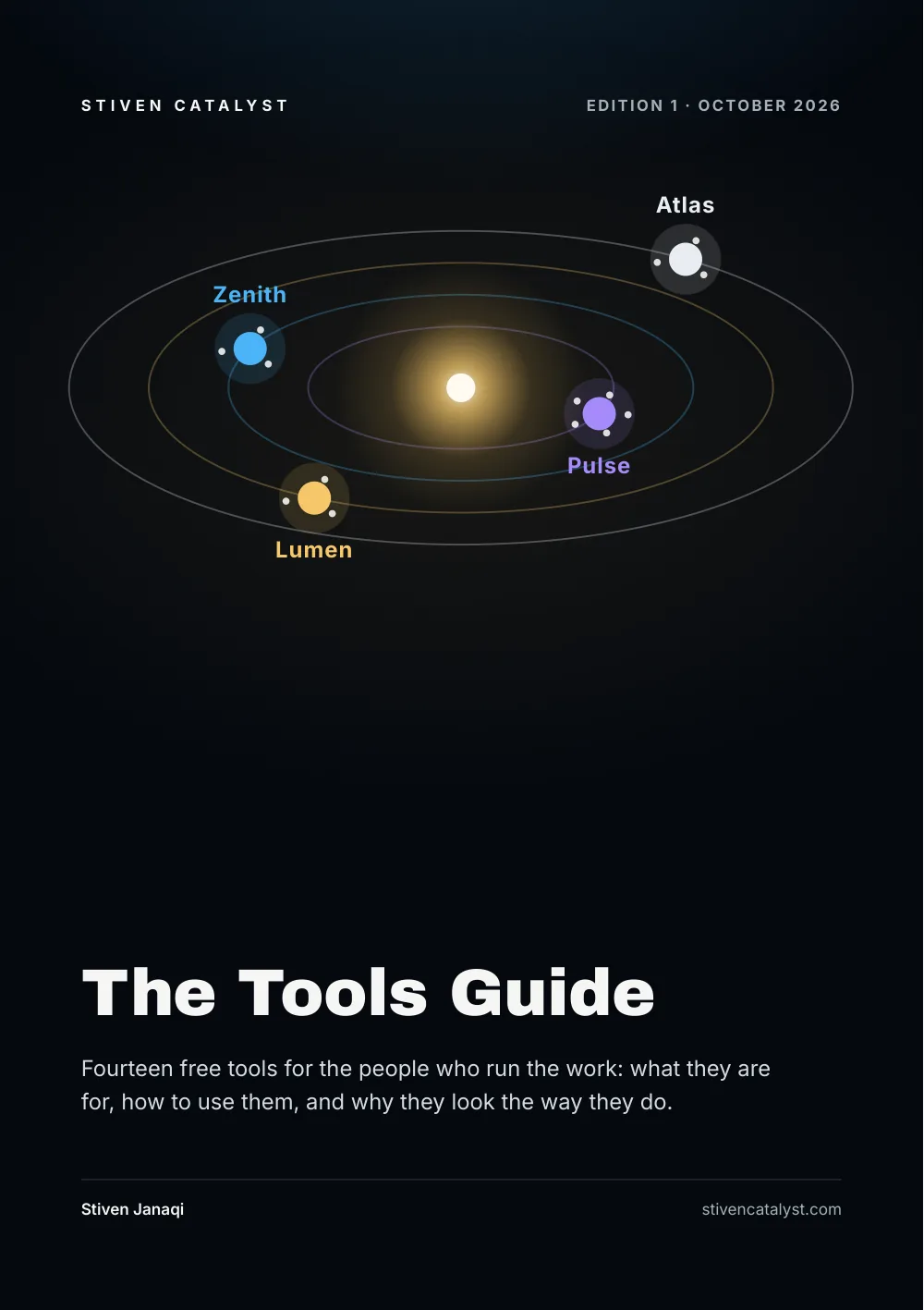
The guide · Edition 8 · Page 18
How t o use this t ool, in the guide
Why each tool exists, which family it belongs to and how to use it step by step, in one book you can leaf through.
Feedback
Did this t ool help you?
Your work
All your work in one file
Every tool keeps your work only in this browser. Save it as one file to keep a copy, to carry on from another phone or computer, or to hand it to a colleague. Nothing is uploaded.
The file holds the tools' photos too, up to 20 MB of them; restore points stay on this device.
Then clear old entries in these tools to make room: the file keeps them, and opens on any device.
Works offline too: once a tool has been opened on this device, it and the other tools of its role open without a connection.
Team sync Off
Share the tools you choose with your team: every device keeps working without a connection and syncs when it can. The work is encrypted on this device with a key made from the team code, so the server cannot read it.
Your team code
On another device, open this box and scan the code or type the six words under “Join a team”. Give it only to your team: whoever has it can read and change the shared work; for someone who should only look, make a read-only code instead. Write it down; it is not shown again.
Read-only: this device takes the team's work and sends nothing, so it can neither change nor delete the team's copy. Changes made here to the shared tools are not sent, and the next sync replaces them with the team's copy.
For someone who should see the team's work but not change it, such as a manager or a screen on the wall. It cannot change or delete anything.
When someone leaves the team: the work moves to a new code and the old copy is deleted. Every other device then joins again with the new code, and the old read-only codes stop working.
Read-only code
On the other device, open this box and scan the code or paste it under “Join a team”. Whoever has it can read the shared work, so give it only to people who may see it. It stops working when the team changes its code.
The team changed the work of this tool. Reload the page to see it.
Shared computer
One browser for the whole desk? Lock the tools with a PIN: your work and the restore points are encrypted on this device, the tools open empty, and the PIN brings everything back. Team sync pauses while locked. Nothing is uploaded.
- Dashboard · 1 minShi
f t PulseDamage, incomplete orders, late routes, safety, OEE, open actions and the handover in one picture, by day or week. Trend charts, flags for what is off, and a summary to copy or print.→ - Warehouse · OngoingDamage ControlLog damaged units by stage and cause. See the damage rate, DPMO and sigma level, the few causes behind most of it, and where to start.→
- Warehouse · OngoingIncompl
e te ControlLog orders that left without every item or parcel. See the incomplete rate, DPMO and sigma level, the causes behind most misses, and where they start.→ - Warehouse · OngoingDelay Anal
y zerLog planned and actual route times. See the on-time rate, how much delay starts at the dock and how much on the road, and the reasons and hours behind it.→ - Hotel · OngoingNight Audit LogLog the no-shows, declined cards, posting errors and open balances the night audit finds. See the exception rate, DPMO and sigma level, the causes behind most of them, and where in the stay they start.→
- Actions · WeeklyAction TrackerOne list for every countermeasure, finding and signal from the other tools: owner, due date, status and how it is verified. Overdue first, a weekly review in ten minutes, calendar and Excel export.→
- Dashboard · 10 minDaily BoardSafety, Quality, Delivery, Cost and People as five month calendars of green, amber and red days, filled from your logs. Open actions, carried handover issues and a ten-minute huddle agenda to read out or print.→
- Lean · 10 min5S AuditWalk one area and score each S from 0 to 4, in 5S, 6S or 8S, with checklists for warehouse, hotel and delivery station. A radar against the last walk, the trend and a league table by area, findings straight into actions and a red tag register.→
- Safety · OngoingSaf
e t y CrossEvery accident, near miss and unsafe condition on the green cross of the month, with days since the last accident, LTIFR, TRIR and the Bird pyramid. The cause to tackle first, open actions and a talk for today's briefing.→ - Hotel · OngoingLost & FoundThe register of found items from hand-in to return, police, charity or the bin, with a tag number, the safe and a photo for each. Keep-until dates, the items due for a decision, where most things are left, a reply to the guest and a tag label.→
- Hotel · OngoingRoom StatusThe live room board of the shift: every room by floor with its housekeeping code (VD, VC, VI, OCC, OD, DO, CO, OOO, OOS), DND, VIP and arrival flags and its attendant. It shows the next room to clean, the rooms ready for today's arrivals, the out-of-order share and the minutes from check-out to clean and from clean to inspected.→
- Hotel · OngoingGuest ComplaintsThe complaint and service-recovery log of the front office: LEARN, the action, the compensation in euros, the time to resolve and the call back. Complaints per 100 occupied room nights, the share resolved within target, repeat rooms, the Pareto of the categories and a reply to the guest.→
- Print · 5 minPrint PackThe paper of the team board in one print, from what the tools hold in this browser: open actions by owner, the week's maintenance work list and 5S audits, a card per leader, the Safety Cross and Daily Board of the month, and the attendant and section sheets of a hotel.→
- Operations · OngoingWaste LogWeigh and log food waste, expired and damaged goods, scrap and linen with the reason and where it went. Kg and euro lost per day, grams per cover, the Pareto of categories and reasons, and the weeks against a reduction target.→
- Operations · OngoingAndon LogLog every call for help on the floor, live with a running clock or after the fact. Time to respond and to solve against your targets, who to call now for an open call, the Pareto of reasons and stopped minutes, and the hours when calls pile up.→