Free tool · Career
Cover Le t ter
The letter that goes with your CV, in the same design. Your name, photo and colours come from the CV you made here, a few answers become a first draft, and you finish it in your own words.
In the print window choose “Save as PDF”, paper A4, margins “None” or “Default”, and switch on “Background graphics”.
A letter that gets read
One page, one reason
The CV says what you did. The letter says why it matters for this job.
- Sta
r t with the job, not with yourself. The first sentence names the position and why you are writing. - One proof beats five adjectives. “Reliable and motivated” is what everyone writes. A number is what they remember.
- Write
t o a person. Find the name in the ad, on LinkedIn or with one phone call.
- Same design as the CV. Take your details from the CV Builder or the ATS CV; name, colours and photo match.
- One l
e t ter per company. Change at least the company, the “why” and the proof for each application. - Read it aloud once. Where you stumble, the reader will too.
Your letter, photo and signature stay in this browser; nothing is uploaded.
From the essays
Read the st ory behind this t ool
From the field notes
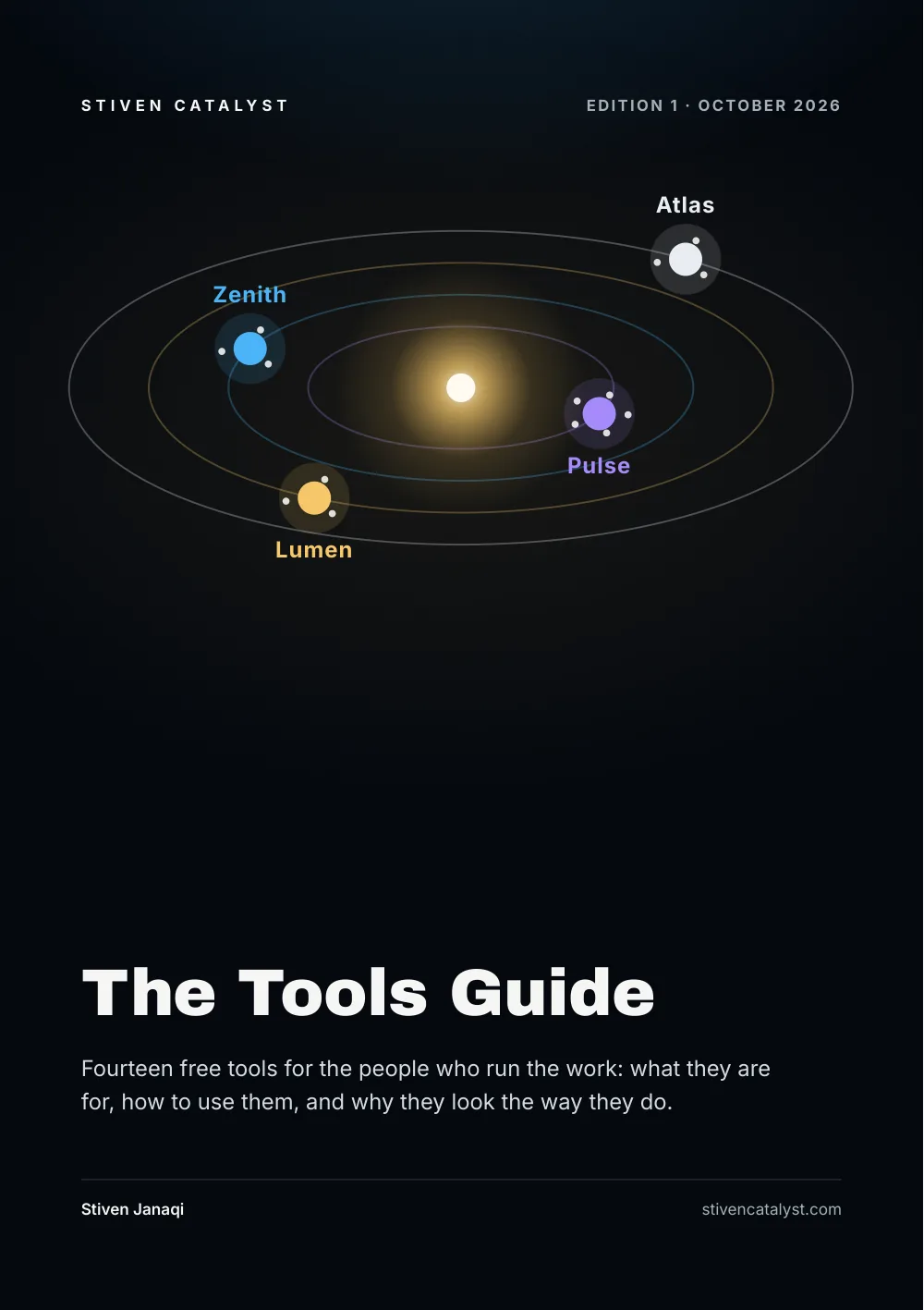
The guide · Edition 8 · Page 78
How t o use this t ool, in the guide
Why each tool exists, which family it belongs to and how to use it step by step, in one book you can leaf through.
Feedback
Did this t ool help you?
Your work
All your work in one file
Every tool keeps your work only in this browser. Save it as one file to keep a copy, to carry on from another phone or computer, or to hand it to a colleague. Nothing is uploaded.
The file holds the tools' photos too, up to 20 MB of them; restore points stay on this device.
Then clear old entries in these tools to make room: the file keeps them, and opens on any device.
Works offline too: once a tool has been opened on this device, it and the other tools of its role open without a connection.
Team sync Off
Share the tools you choose with your team: every device keeps working without a connection and syncs when it can. The work is encrypted on this device with a key made from the team code, so the server cannot read it.
Your team code
On another device, open this box and scan the code or type the six words under “Join a team”. Give it only to your team: whoever has it can read and change the shared work; for someone who should only look, make a read-only code instead. Write it down; it is not shown again.
Read-only: this device takes the team's work and sends nothing, so it can neither change nor delete the team's copy. Changes made here to the shared tools are not sent, and the next sync replaces them with the team's copy.
For someone who should see the team's work but not change it, such as a manager or a screen on the wall. It cannot change or delete anything.
When someone leaves the team: the work moves to a new code and the old copy is deleted. Every other device then joins again with the new code, and the old read-only codes stop working.
Read-only code
On the other device, open this box and scan the code or paste it under “Join a team”. Whoever has it can read the shared work, so give it only to people who may see it. It stops working when the team changes its code.
The team changed the work of this tool. Reload the page to see it.
Shared computer
One browser for the whole desk? Lock the tools with a PIN: your work and the restore points are encrypted on this device, the tools open empty, and the PIN brings everything back. Team sync pauses while locked. Nothing is uploaded.
- Career · 20 minCV BuilderA designer-quality CV on live A4 pages: photo, key figures, and company logos found from a website. In English, German or Albanian, saved as PDF.→
- Career · 10 minATS CVDrop in the CV you have, as PDF or Word. Get a clean one-column version that application software reads, matched to the job ad, as PDF, Word or text.→